Image
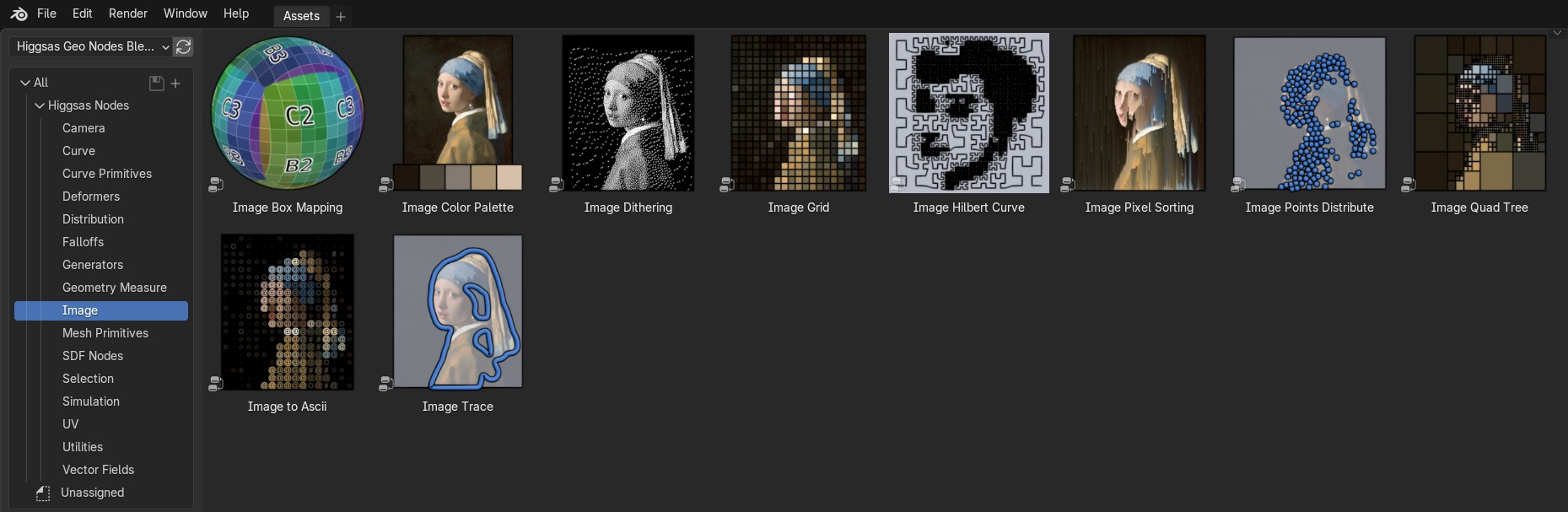
Image Box Mapping
Map image on mesh using box mapping method
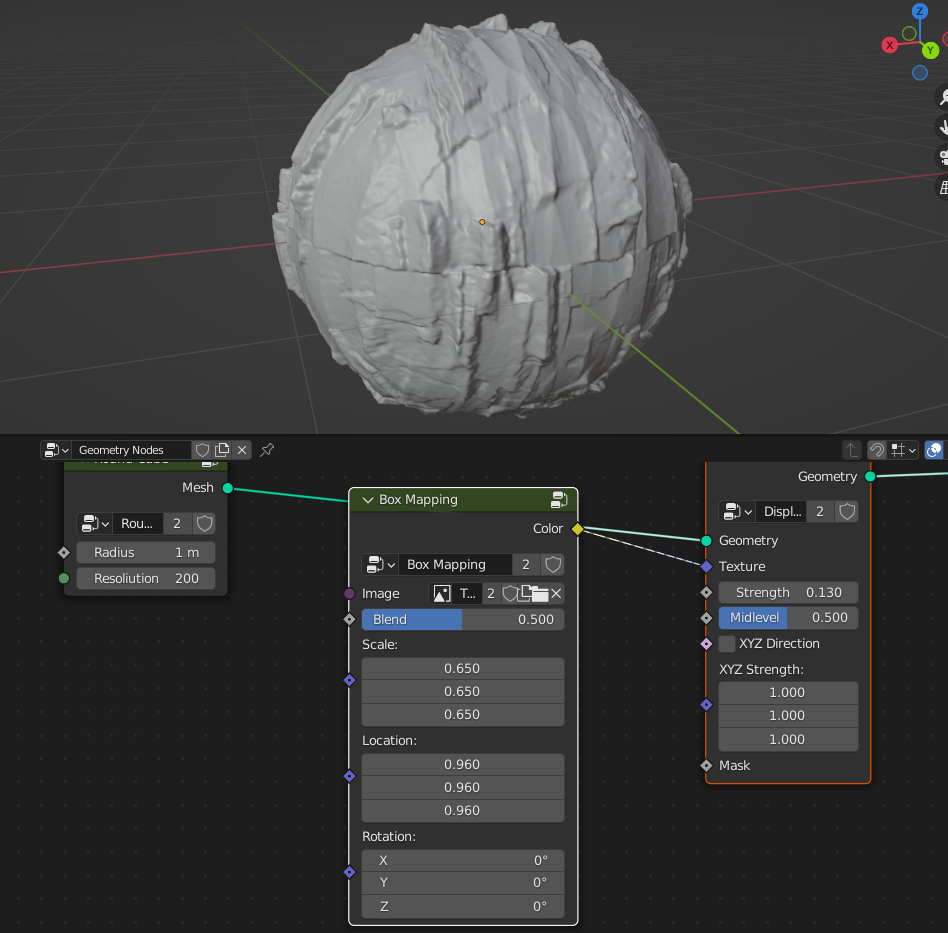
- Image
Input of the image that will be box mapped on the mesh
- Blend
Blends between seams
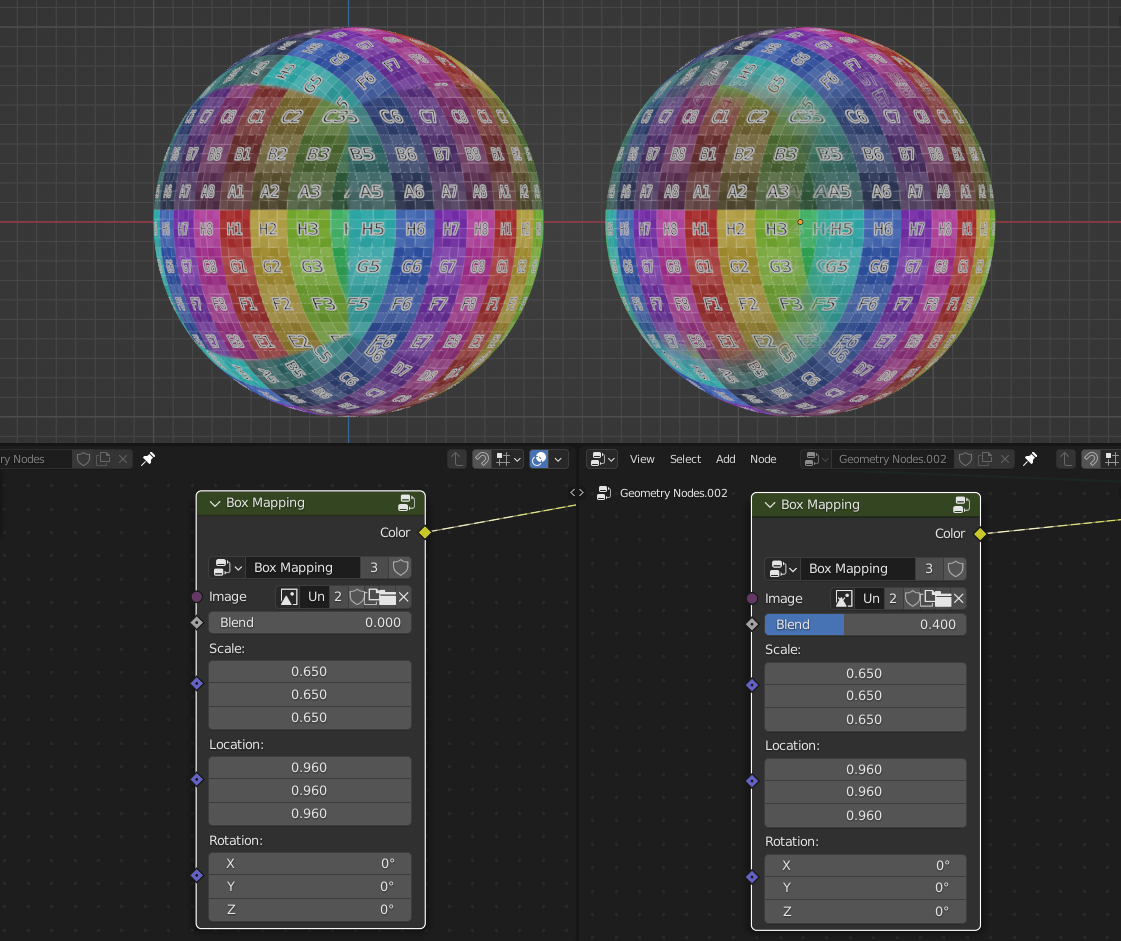
- Translation
Translation of box mapping
- Rotation
Rotation of box mapping
- Scale
Scale of box mapping
Image Color Plette
Generates color paletten from the image using different methods
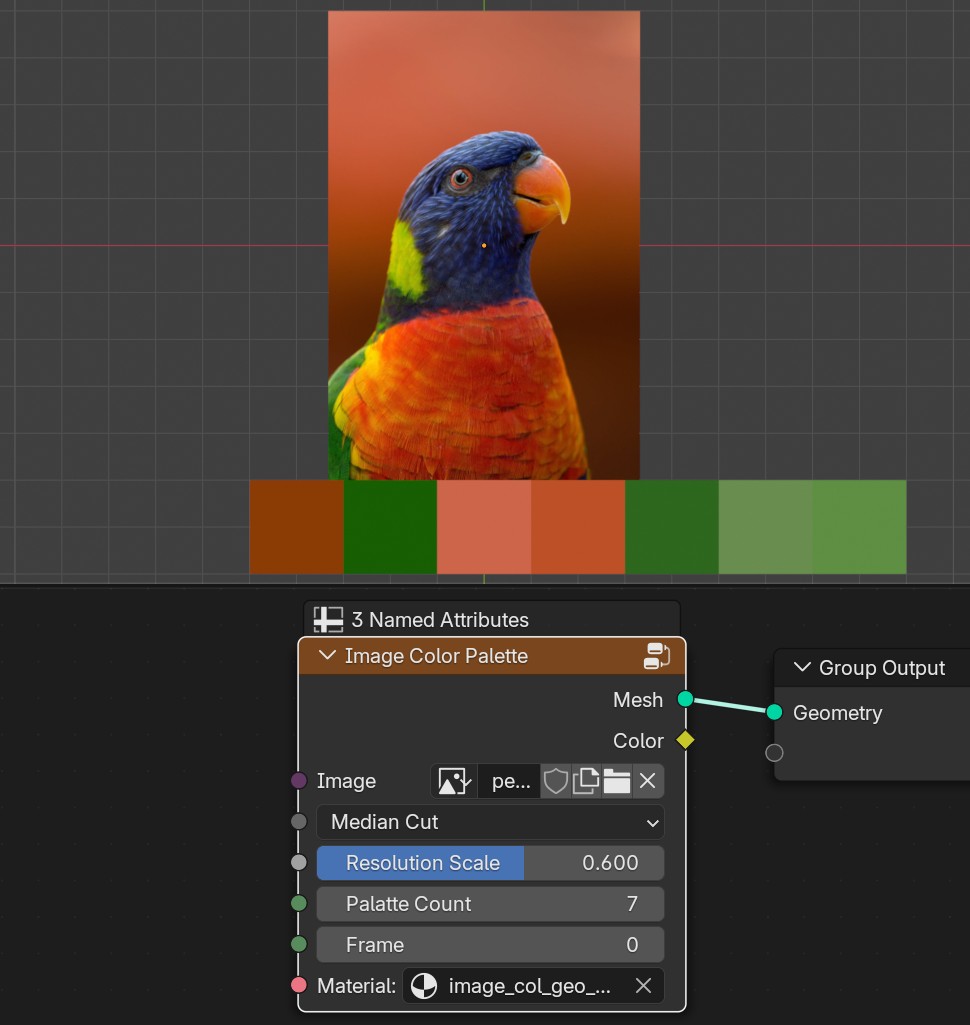
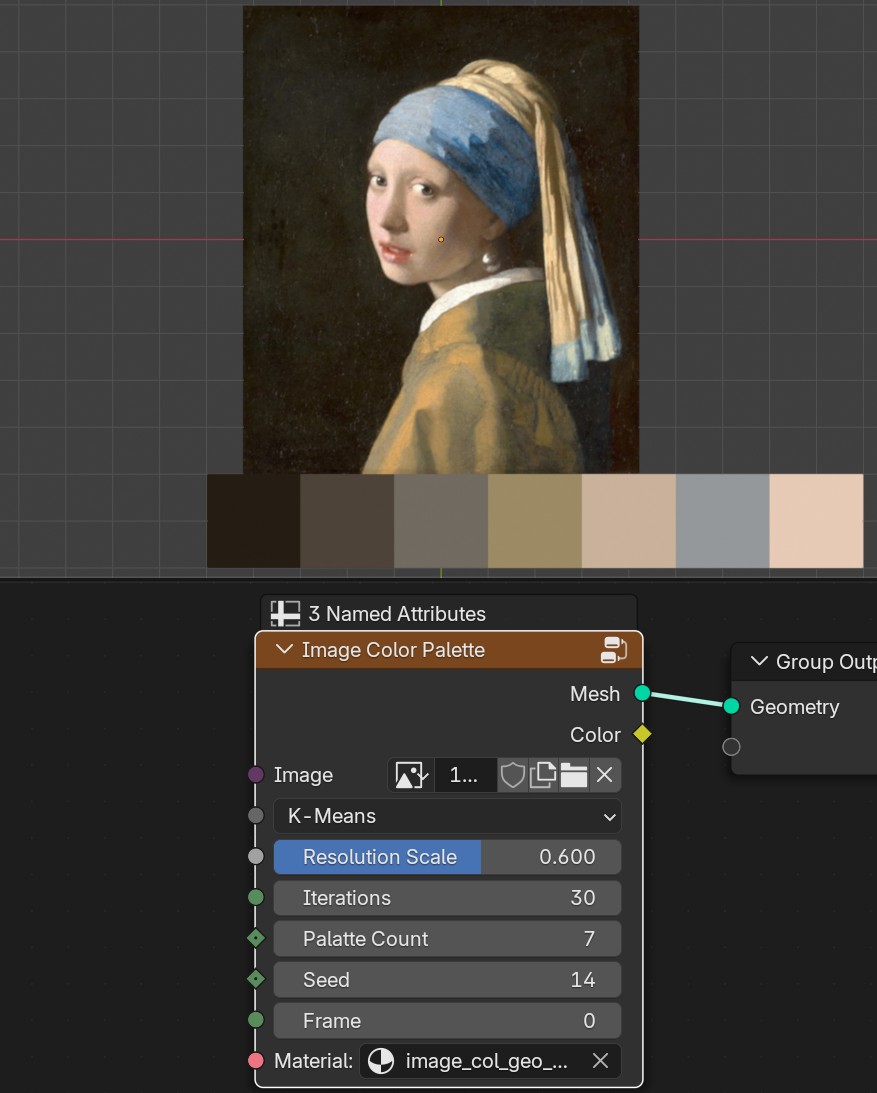
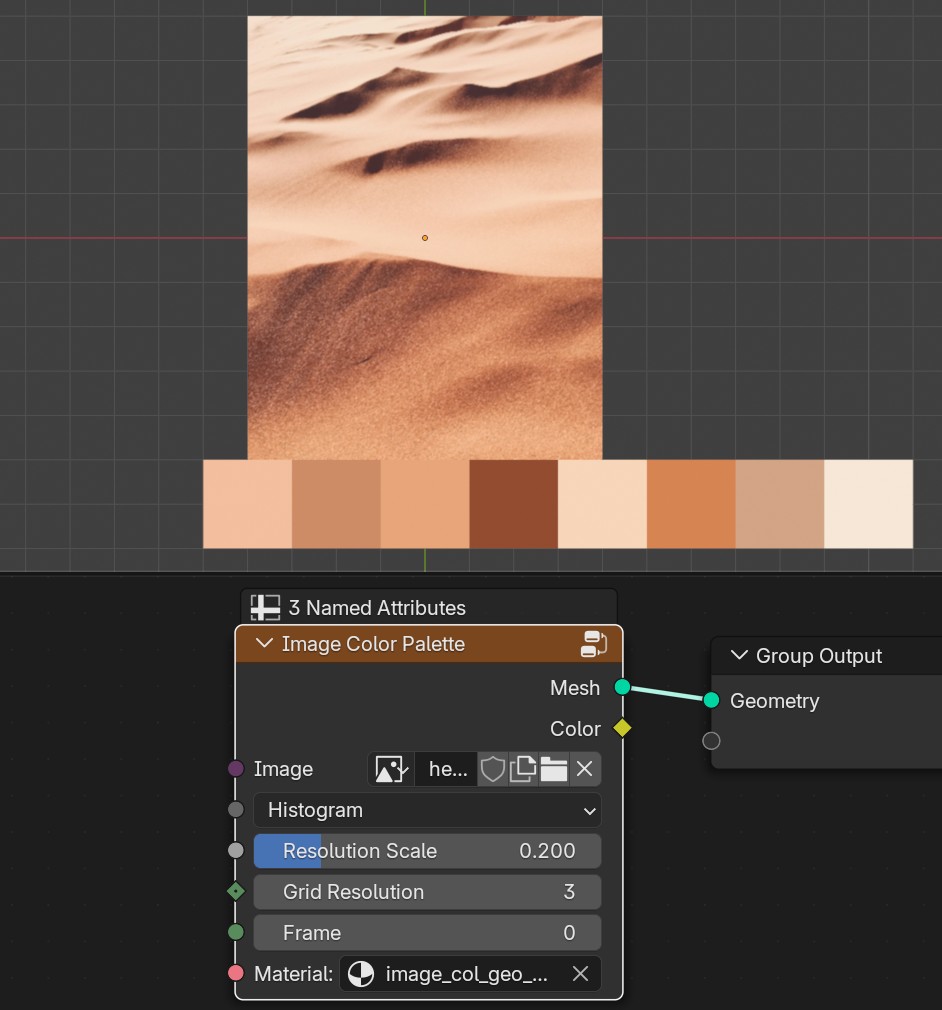
- Image
Umage input
- Resolution Scale
Grid resolution scale from image pixels
Image Dithering
Converts image gray scale values to single black and white values
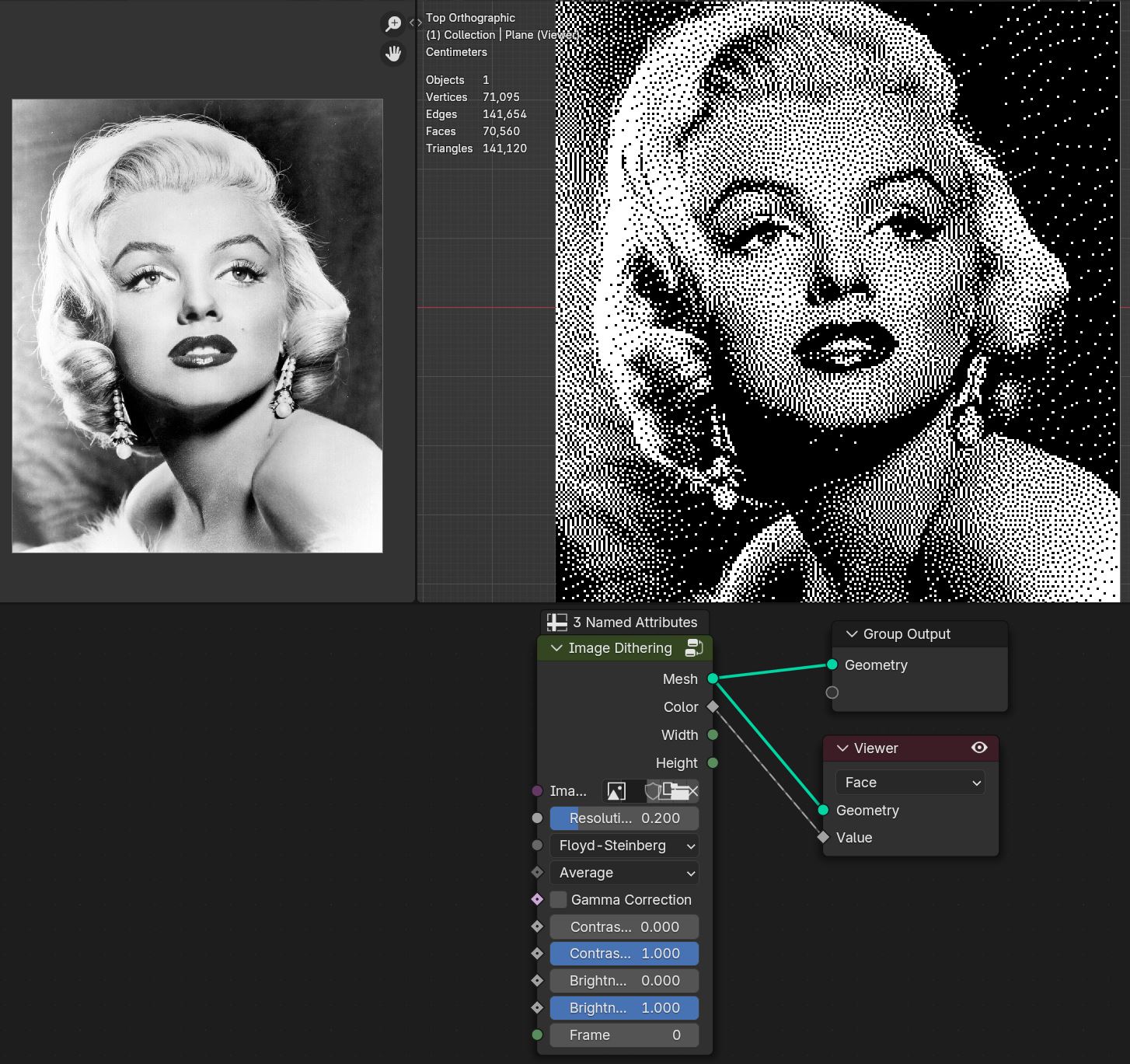
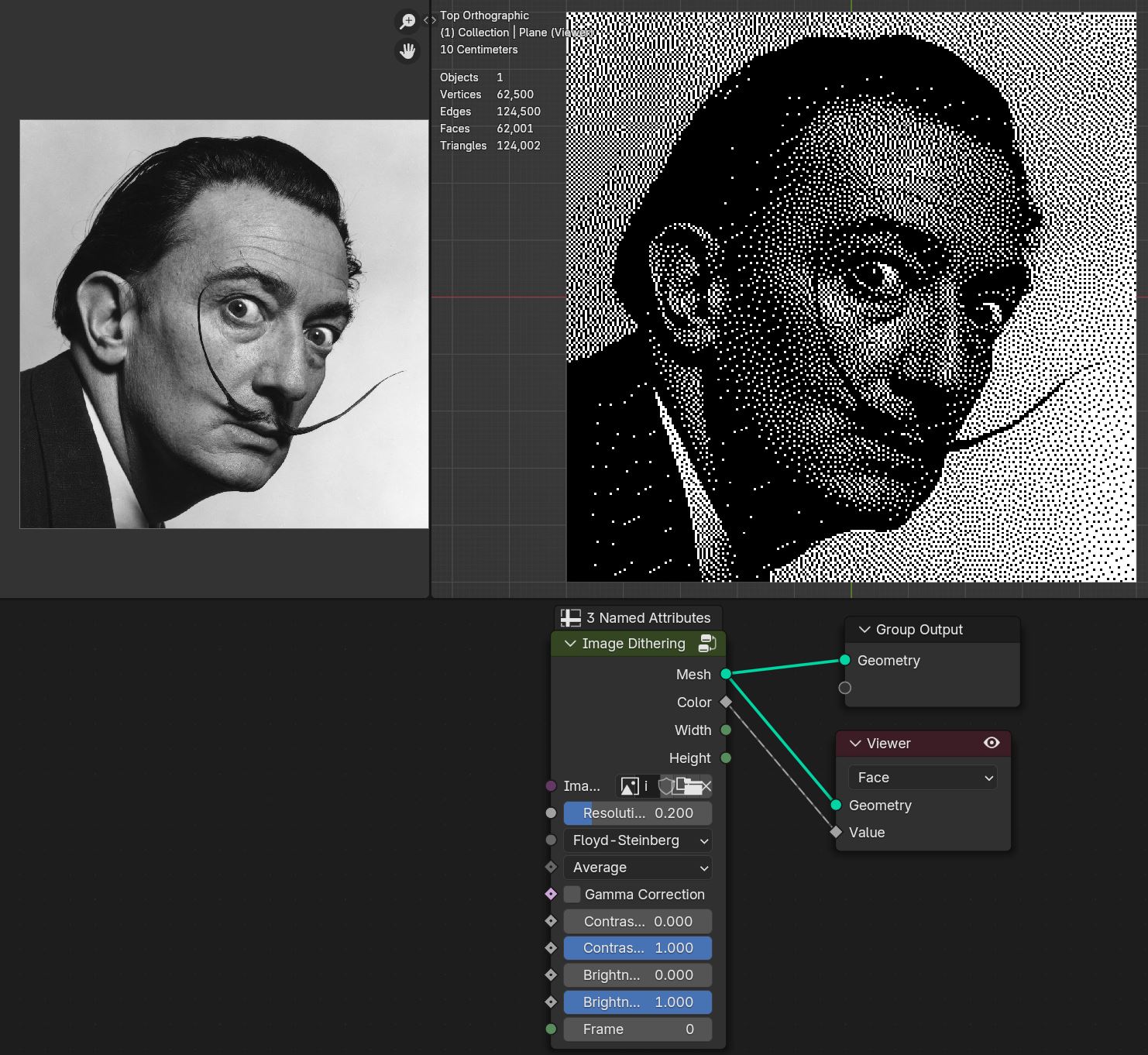
- Image
Image input
- Resolution Scale
Grid resolution scale from image pixels
Floyd-Steinberg
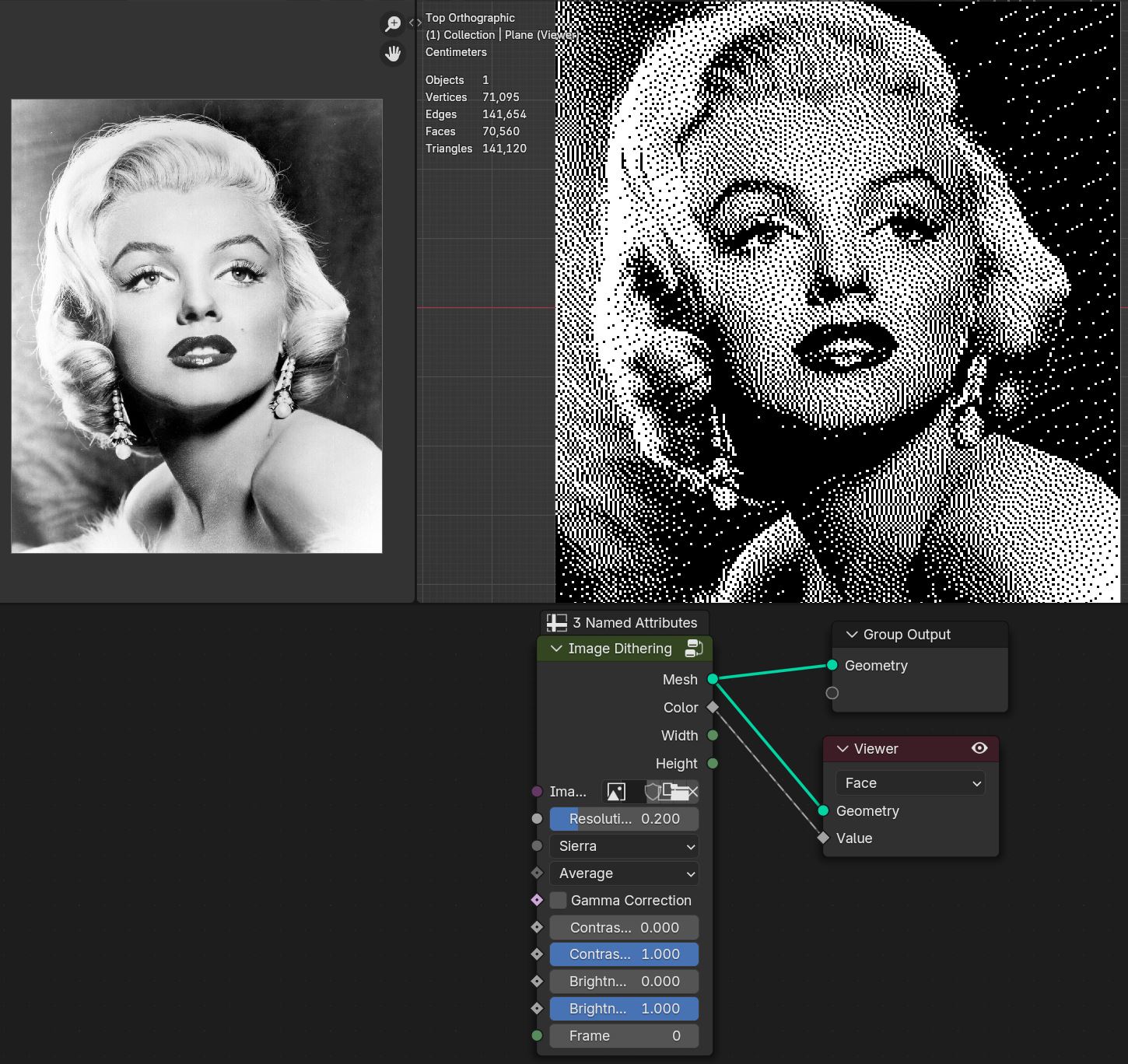
Sierra
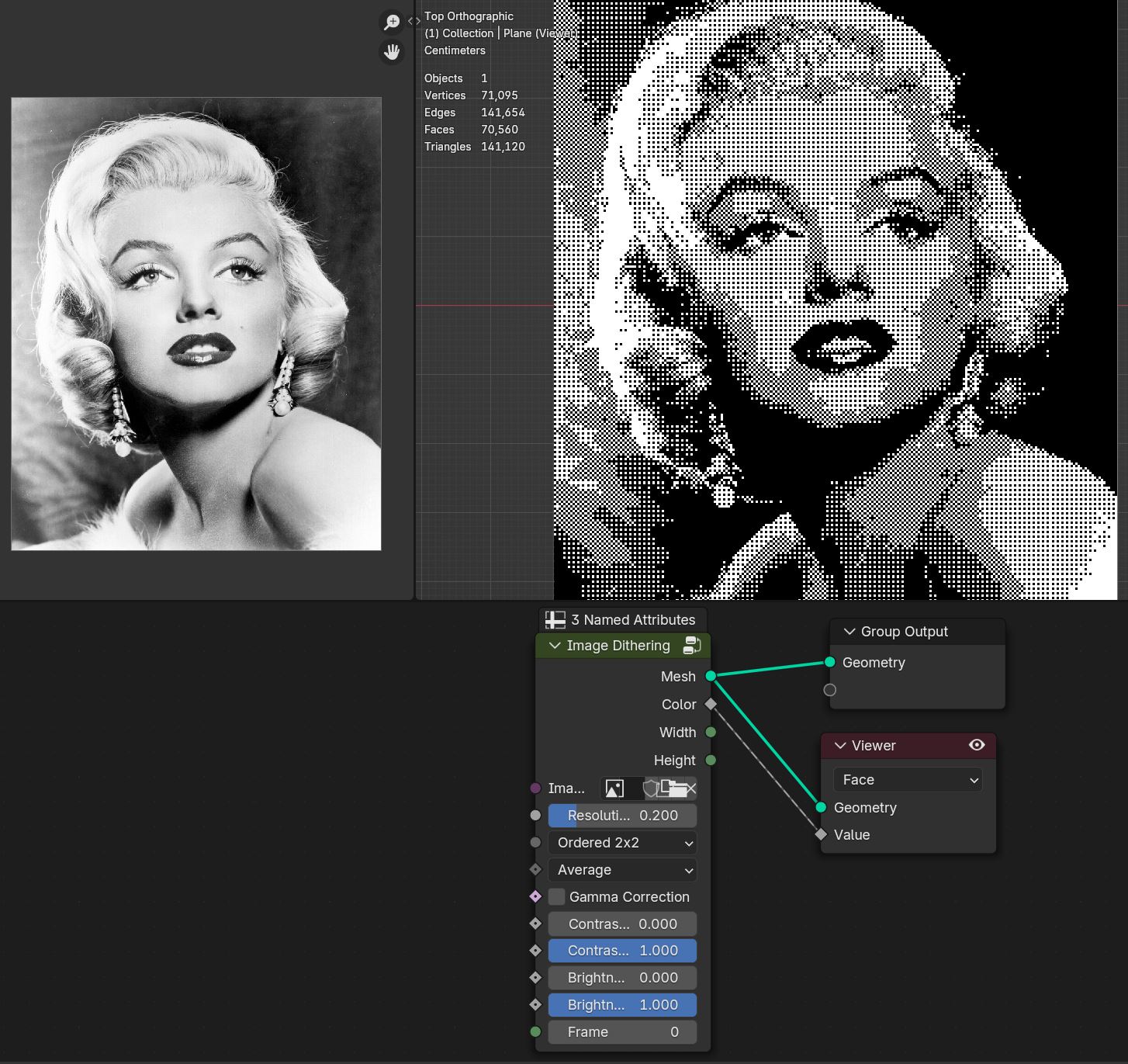
Ordered 2x2
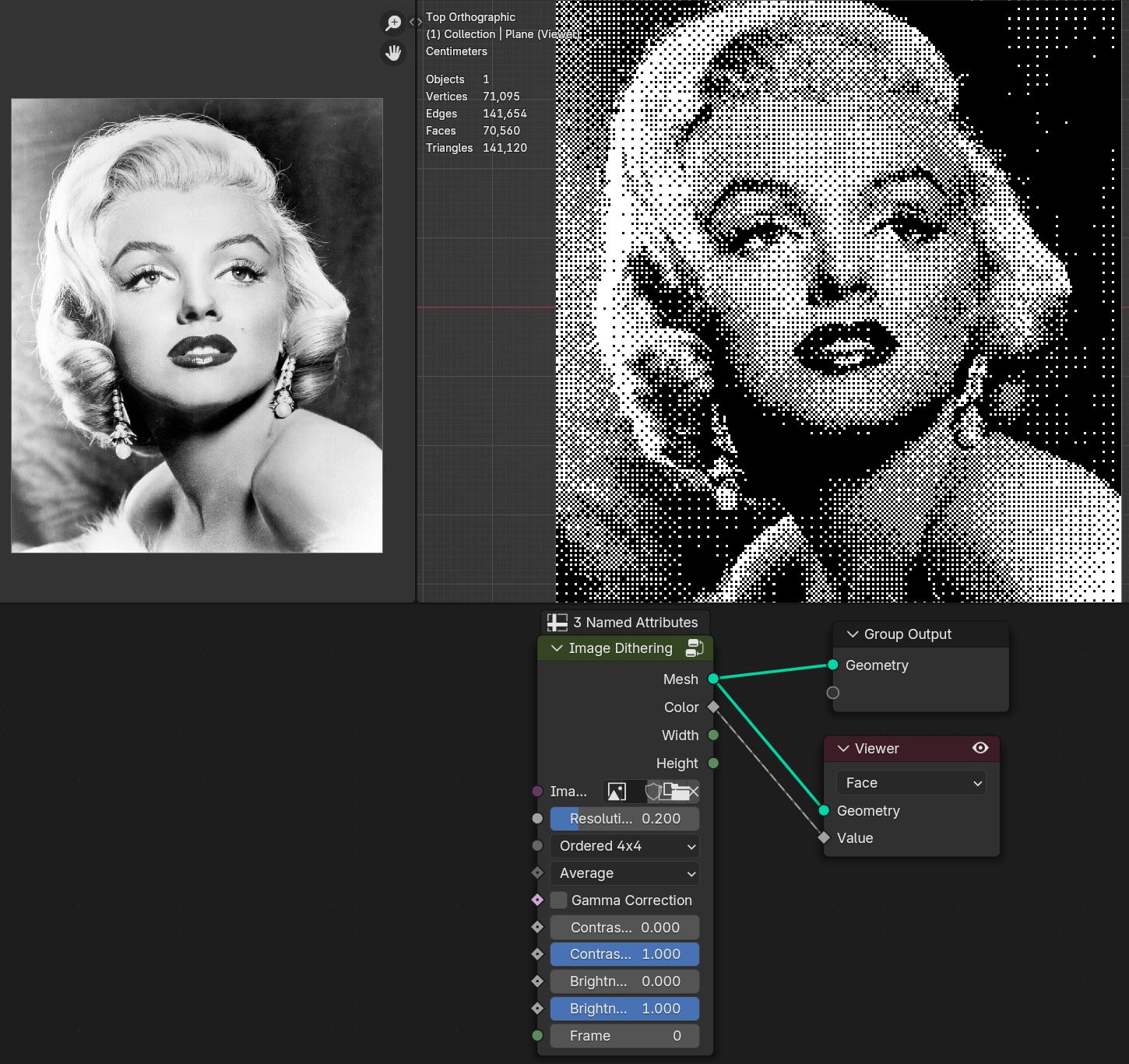
Ordered 4x4
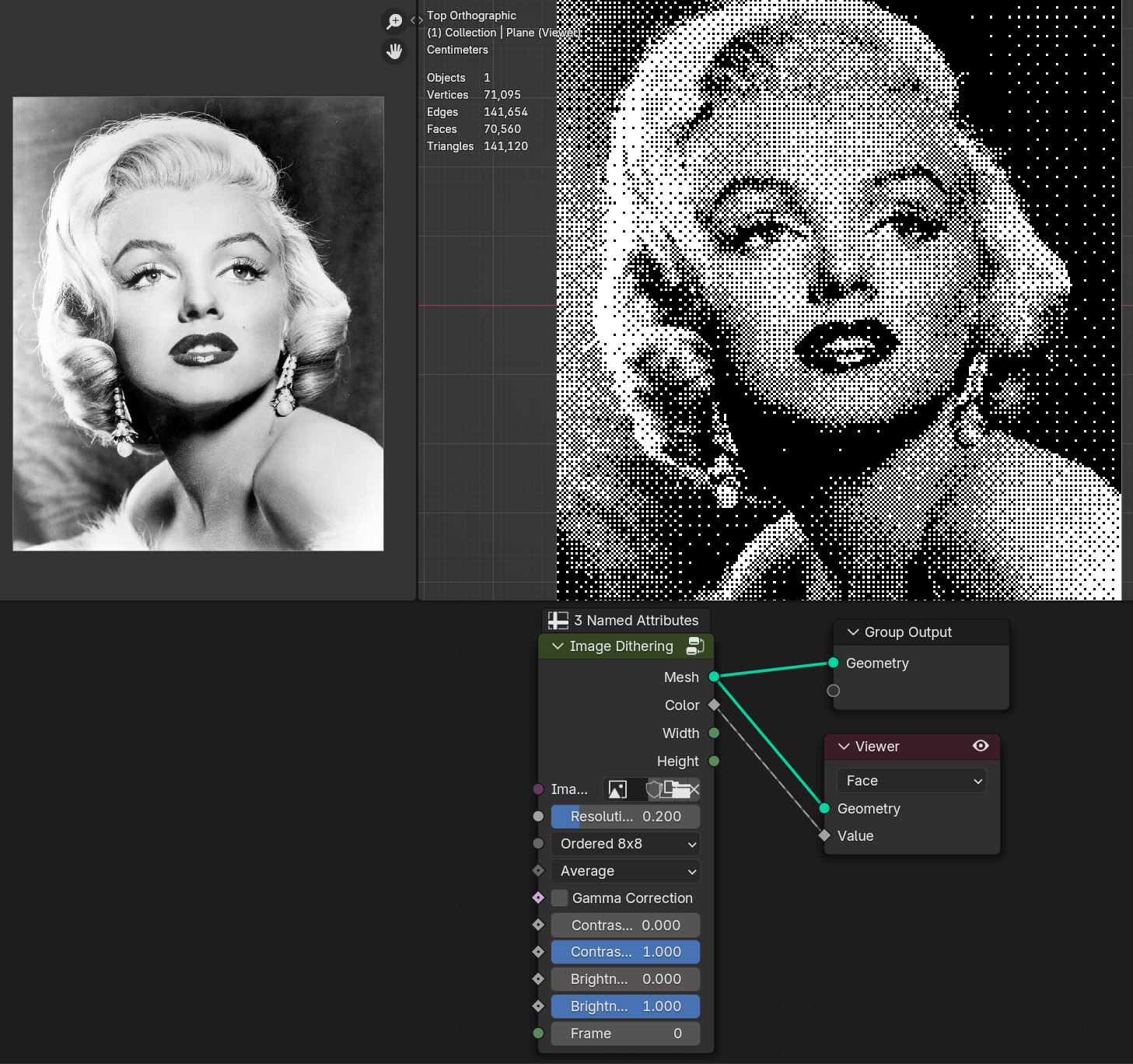
Ordered 8x8
- Average/Lightness/Saturation/Hue/Red/Blue/Green
Converts image color to specified channel
- Gamma Correction
Gamma corrects image values
- Contrast Min
Min contrast control of the image
- Contrast Max
Max contrast control of the image
- Brightness Min
Min brightness control of the image
- Brightness Max
Min brightness control of the image
- Frame
Current frame of image/video
Tip
To correctly render the image:
Set camera to Orthographic mode
Set scene resolution that matches image. Node outputs image Width and Height to help set scene resoliution
Use Cycles render endgine with sample of 1 to get most accurate results. Samples above 1 will create blury pixels
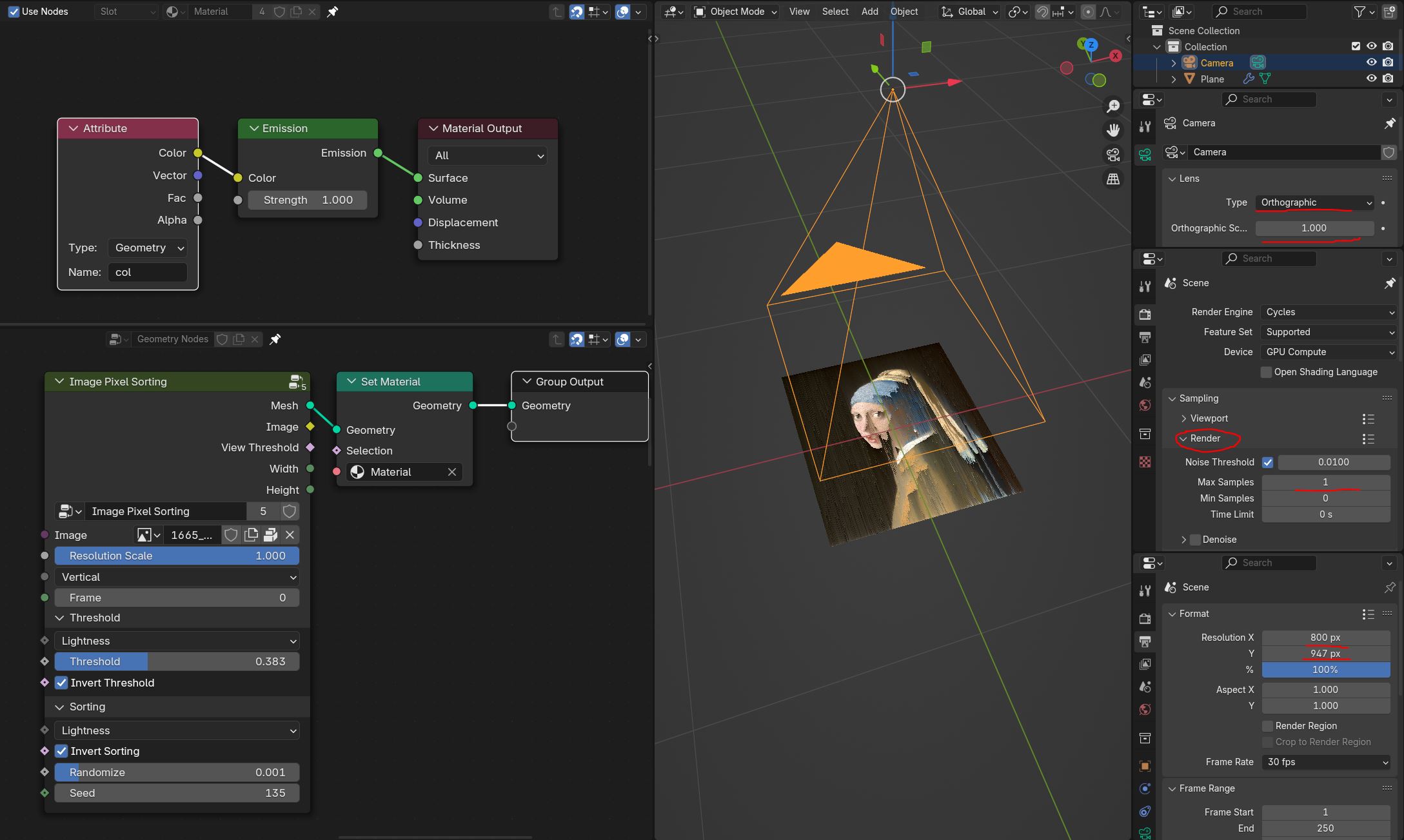
Image Grid
Creates mesh grid with image aspect ratio
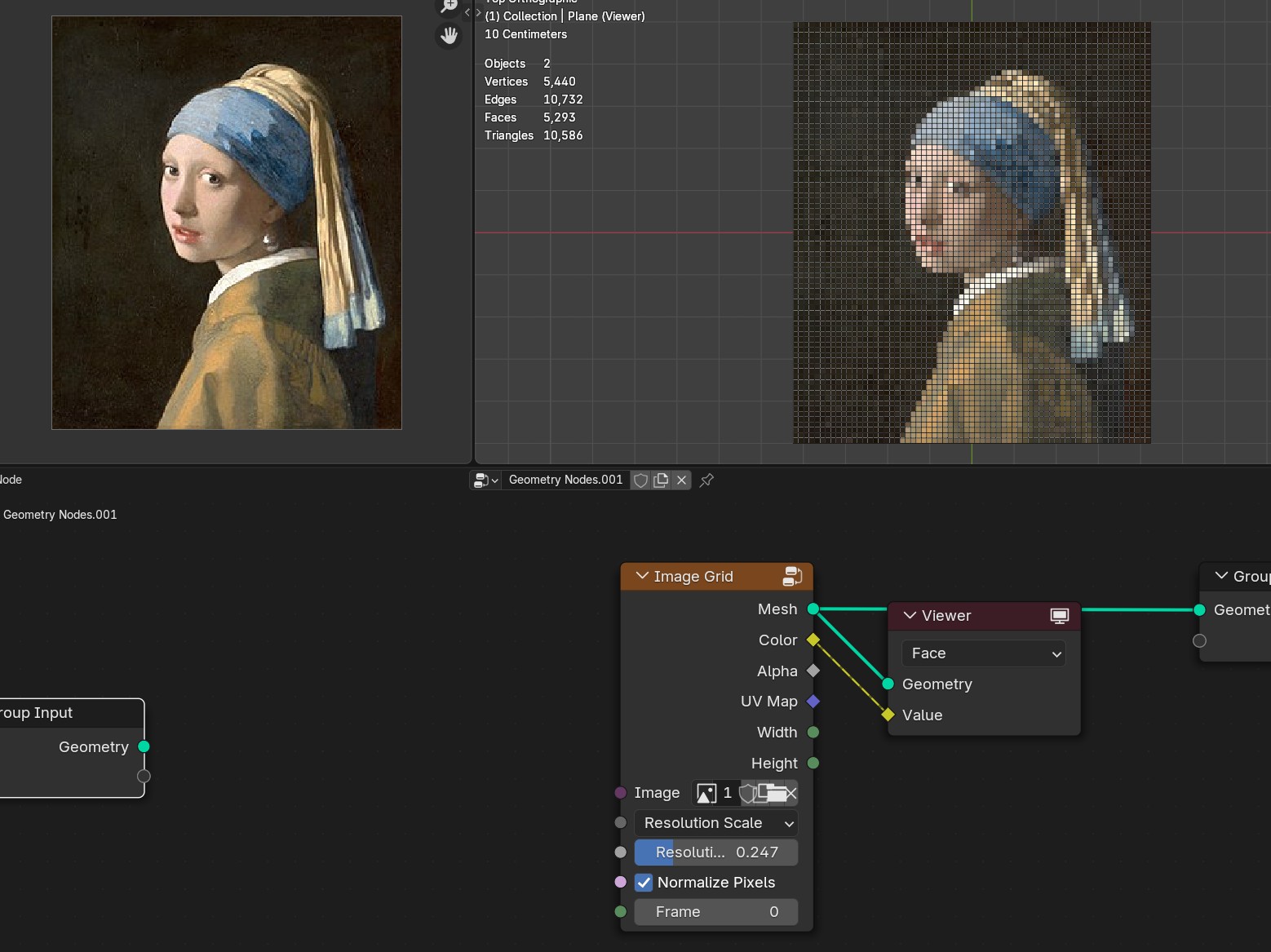
Resolution Scale/Resolution
Resolution Scale: Uses image pixels width and height for grid x and y face amount
Resolution: Custom resolution of longes grid axis
- Normalize pixels
Makes pixels/faces same aspect ratio
- Frame
Freame of the image/video
Image Hilbert Curve
Generates continues hilbert curve with different orders from a image
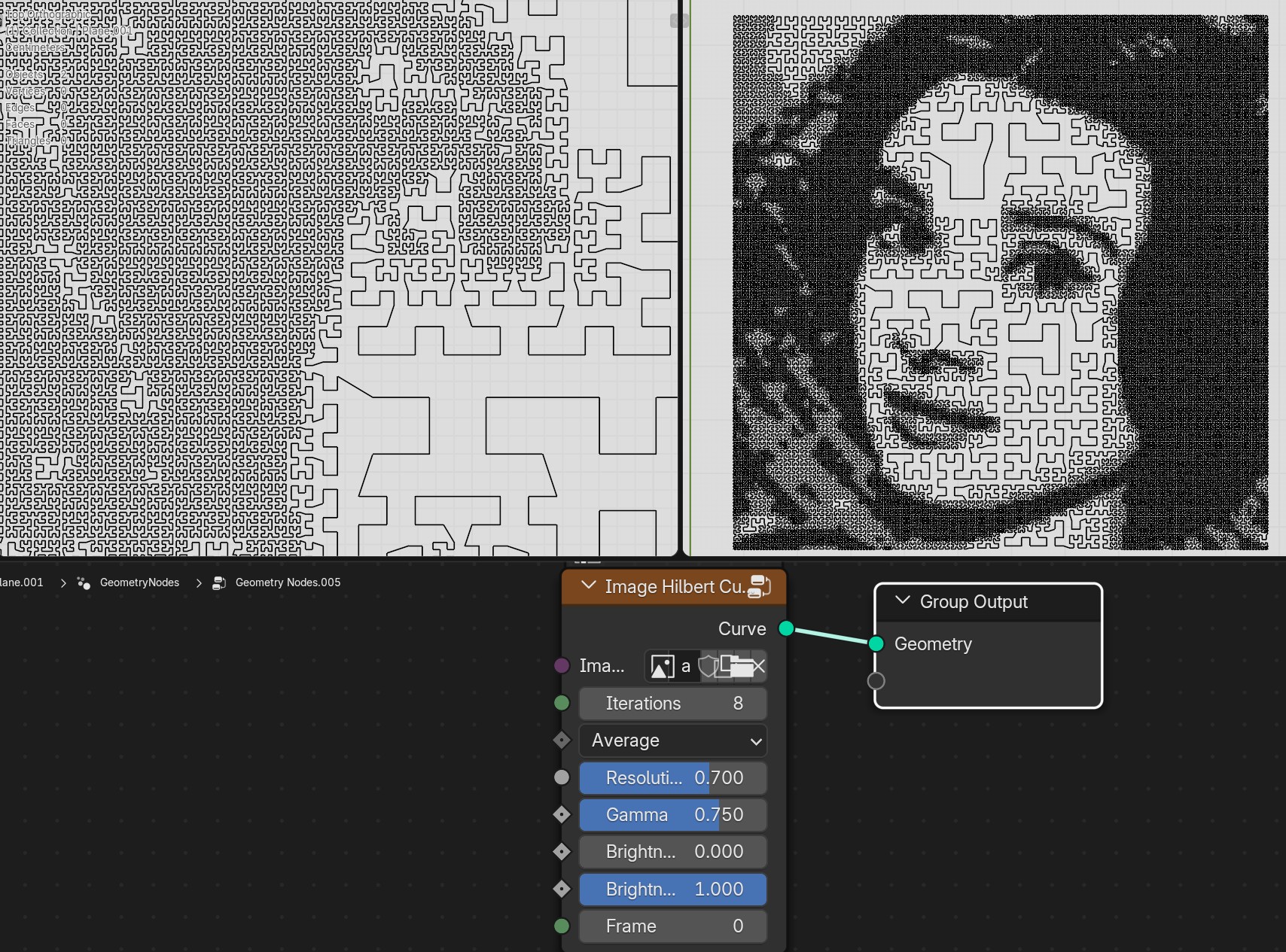
- Image
Image input
- Average/Lightness/Saturation/Hue/Red/Blue/Green
Converts image color to specified channel
- Resolution Scale
Grid resolution scale from image pixels
- Gamma Correction
Gamma corrects image values
- Brightness Min
Min brightness control of the image
- Brightness Max
Min brightness control of the image
- Frame
Current frame of image/video
Image Pixel Sorting
Sorts image pixel values on rows or columns
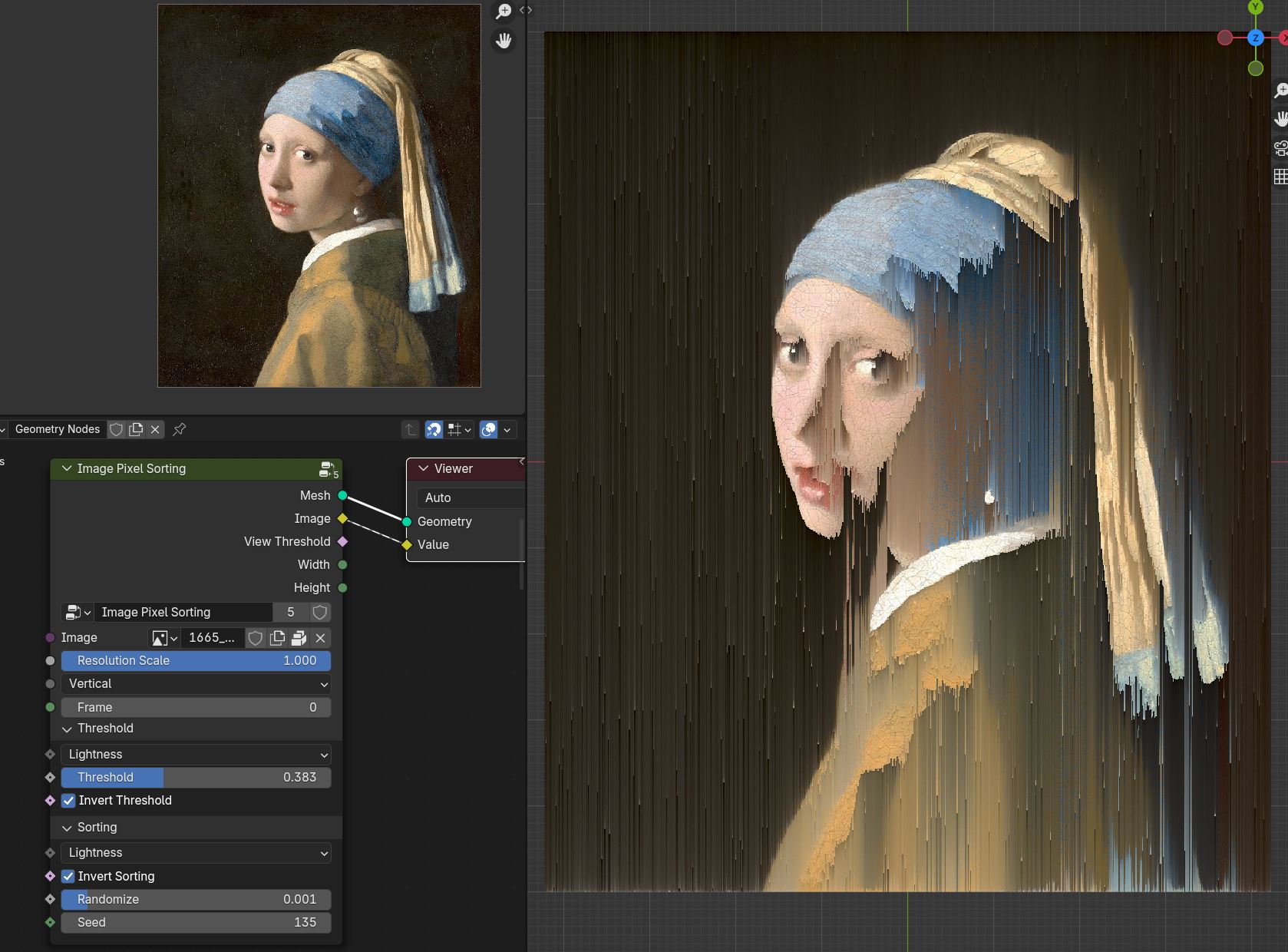

- Image
Image input
- Resoliution Scale
Grid resolution scale from image pixels
- Vertical/Horizontal
Sorts pixels values in vertical strips or horizontal
- Frame
Current frame of image/video
- Threshold - Lightness/Saturation/Hue/Red/Blue/Green
Image grey scale channels that will be used by Treshhold
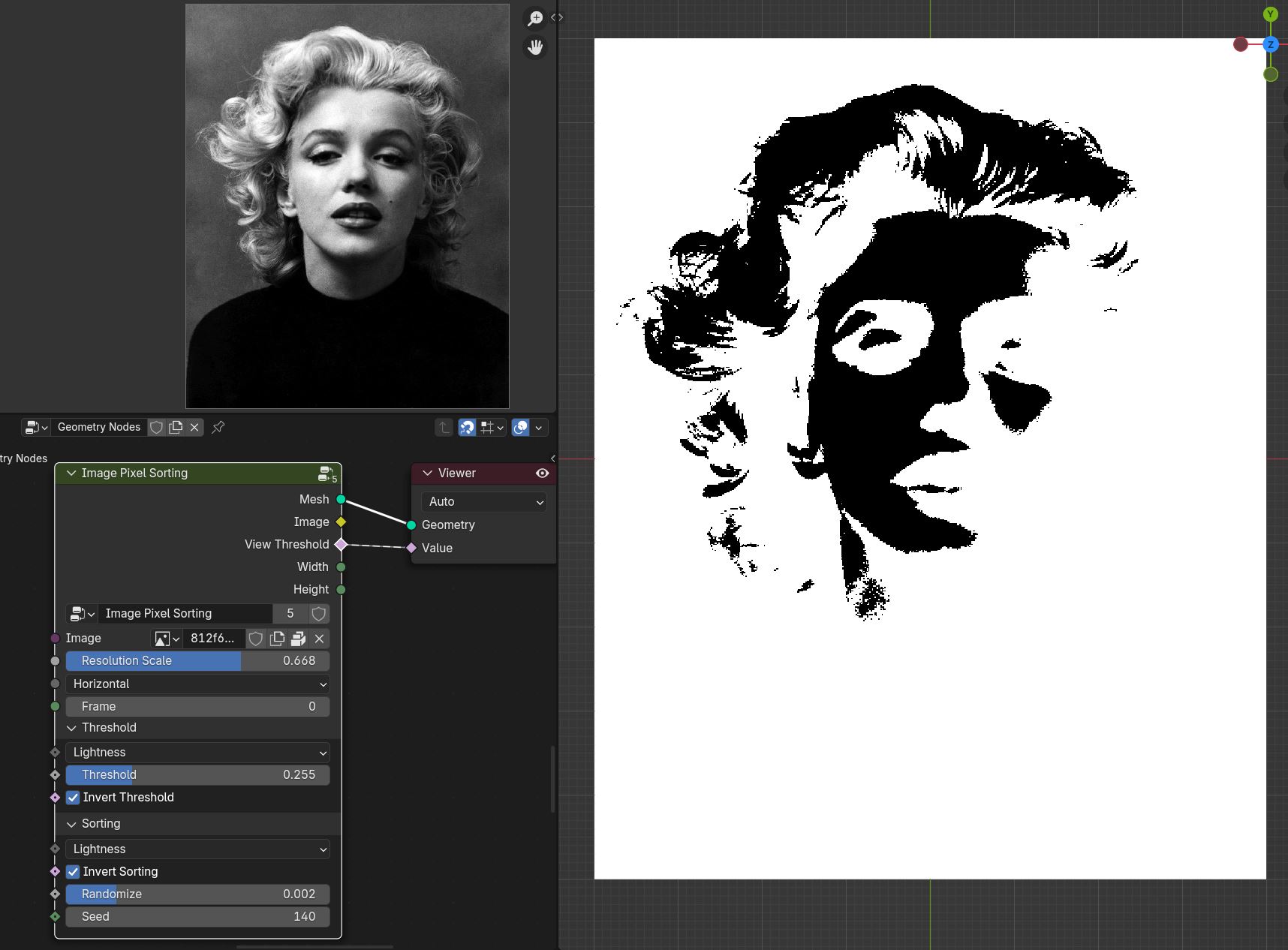
- Threshold
Threshold selection where pixel sorting will happen
- Invert Threshold
Inverts threshold selection
- Sorting - Lightness/Saturation/Hue/Red/Blue/Green
Image grey scale channels that will be used for sorting pixels
- Invert Sorting
Invers sorting values
- Randomize
Randomly splits veritcal or horizontal sorting groups
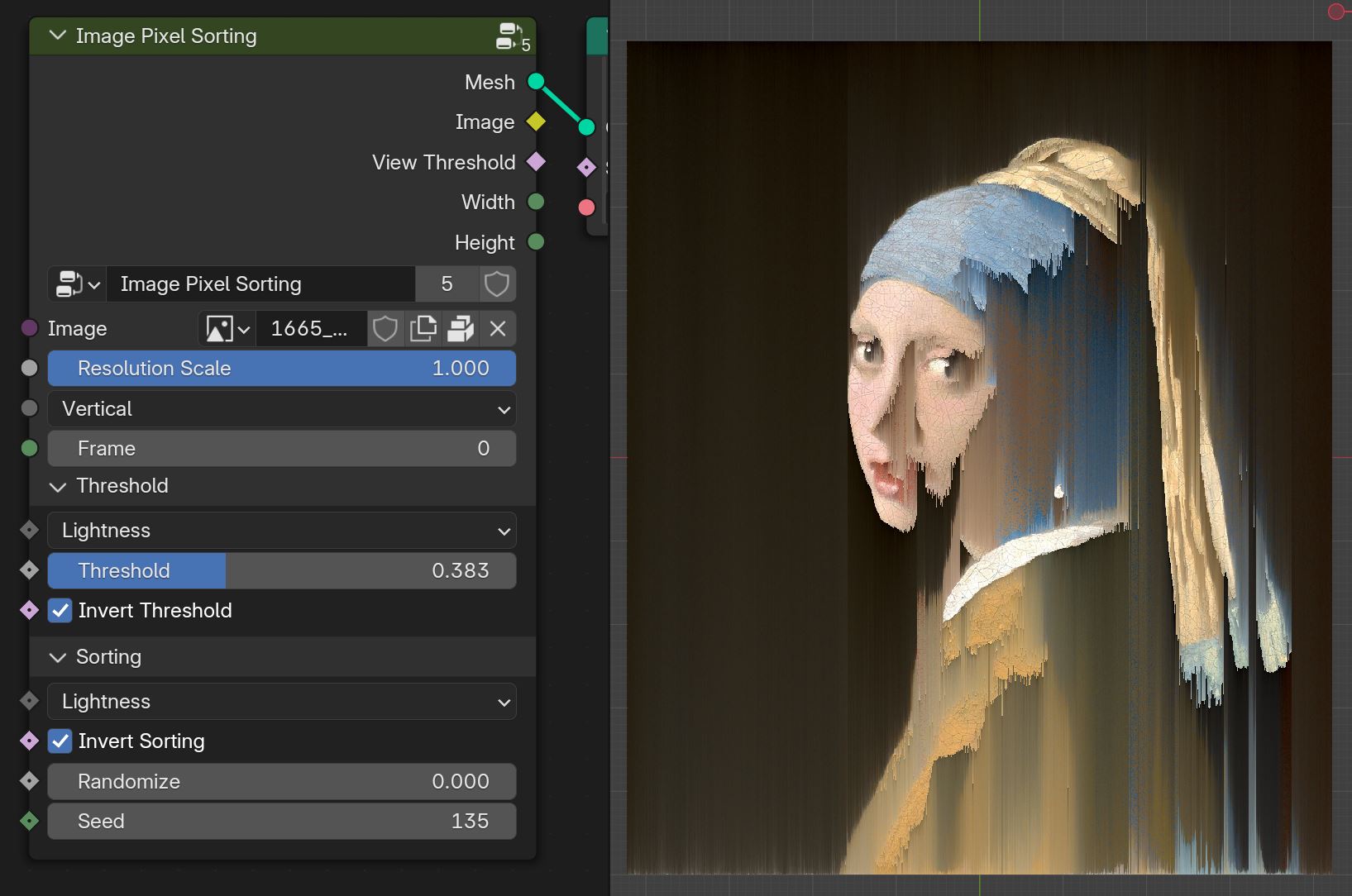

- Seed
Seed of randomize
Tip
To correctly render the image:
Set camera to Orthographic mode
Set scene resolution that matches image. Node outputs image Width and Height to help set scene resoliution
Use Cycles render endgine with sample of 1 to get most accurate results. Samples above 1 will create blury pixels
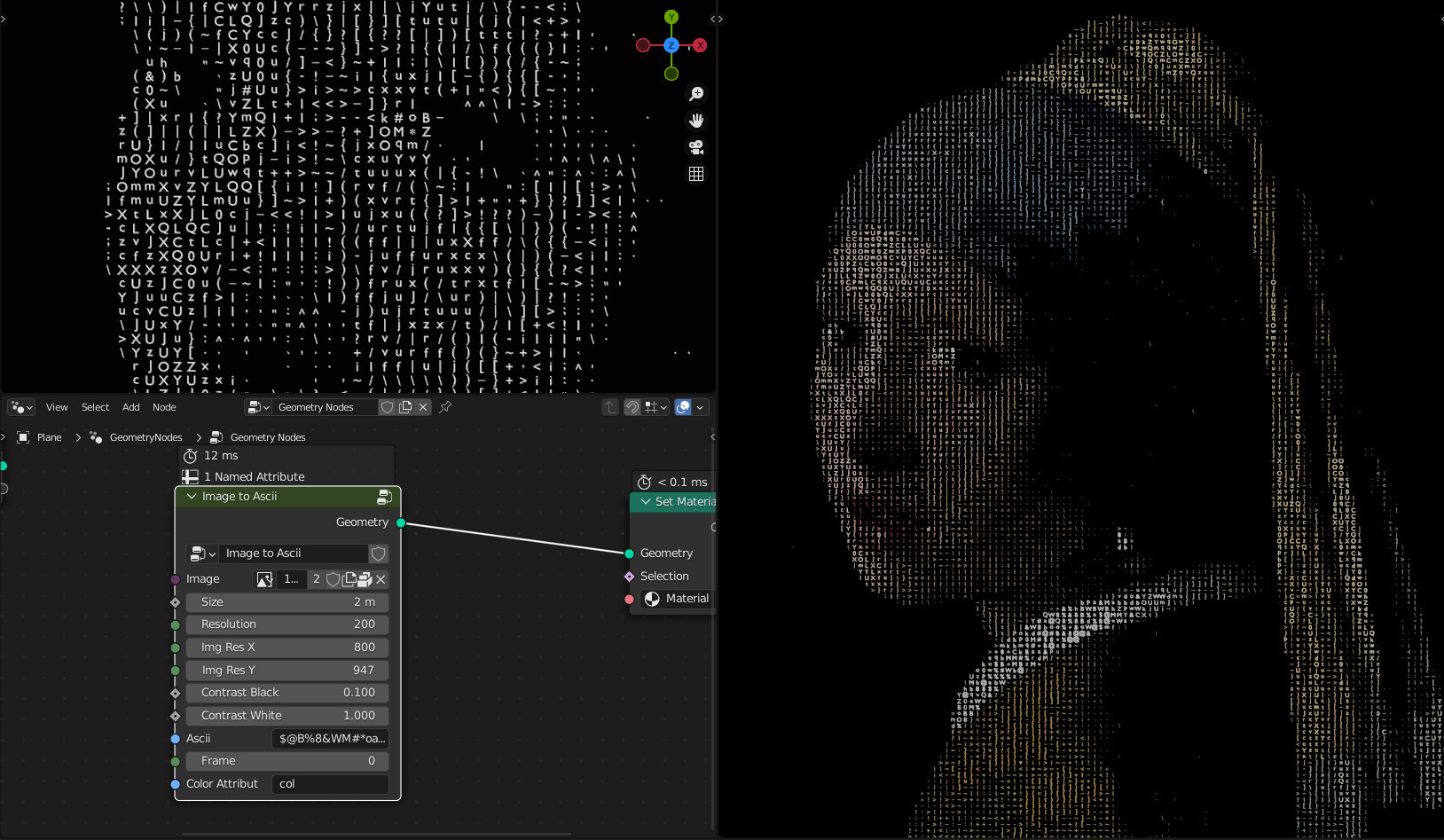
Image to Ascii
Creates Ascii from image
- Image
Image input
- Resoliution
Grid resolution of Ascii
- Img Res X
Input image X resolution
- Img Res Y
Input image Y resolution
- Contrast Min
Min contrast of the image values
- Contrast Max
Max contrast of the image values
- Ascii
Ascii characters that used for gradient values. Black/empty is space ” “
- Frame
Frame of the image input
- Color Attribute
Creates color attribute from image colors
Tip
If you want to change font, you can by opening the node group (TAB key) and changing font in String to Curves node