Selection
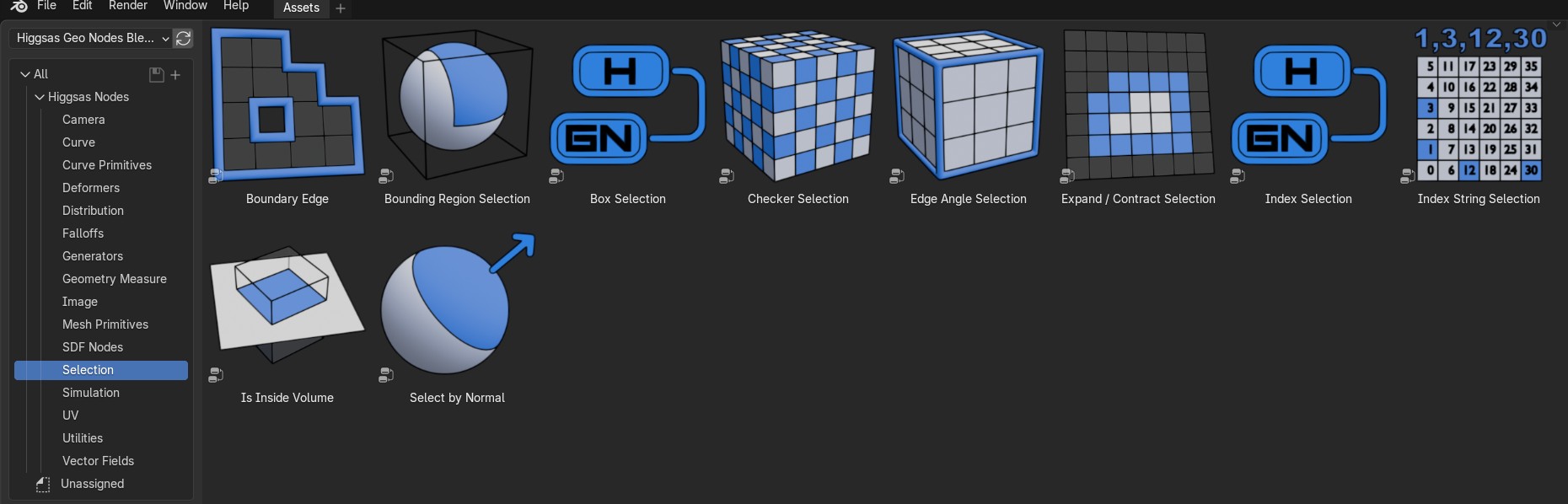
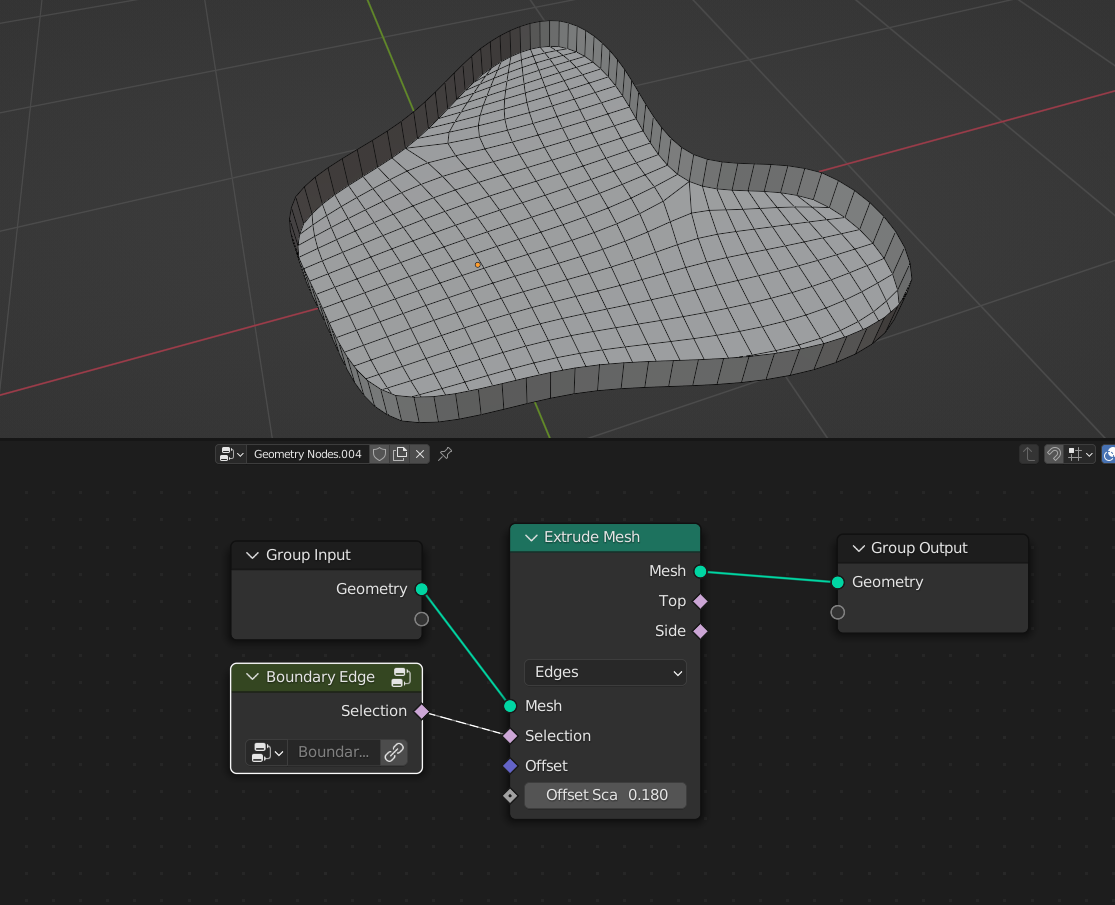
Boundary Edge
Selects mesh edges that are on the boundary
Bounding Region Selection
Boolean selection based on the axis position from the goemetry bounding box
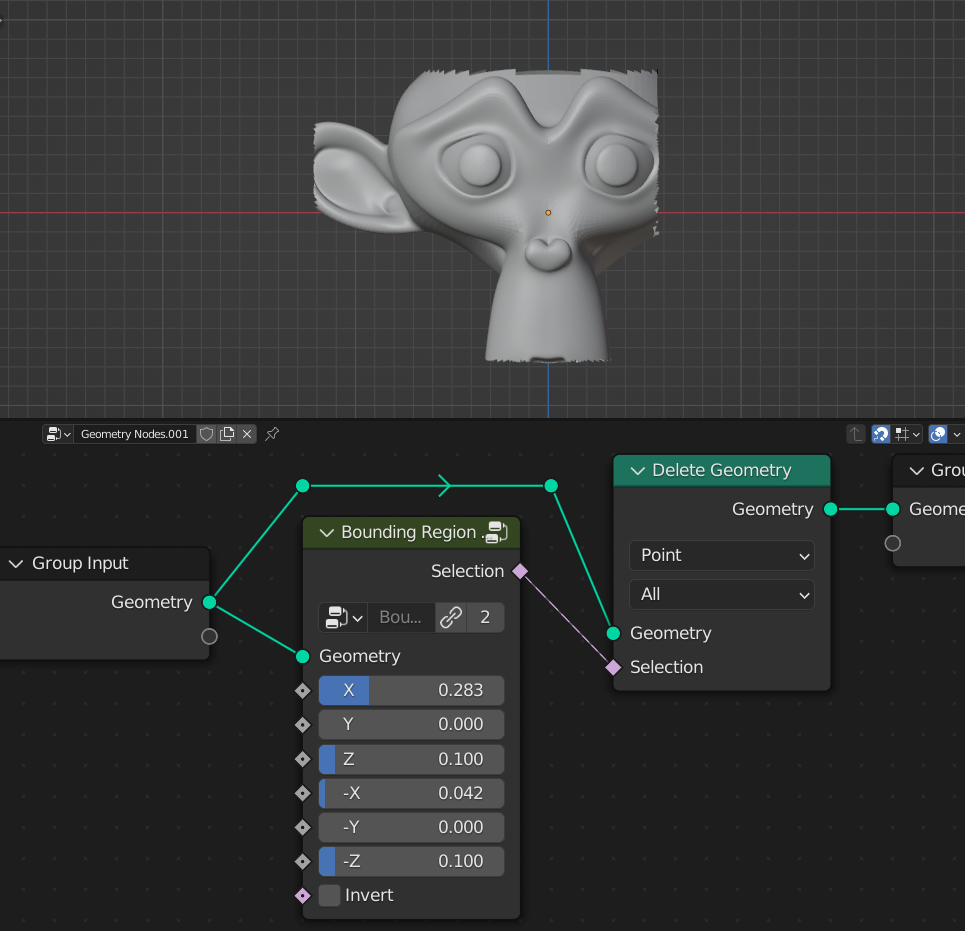
- X
Ratio of the axis position selection
- Y
Ratio of the axis position selection
- Z
Ratio of the axis position selection
- ‘-X’
Ratio of the axis position selection
- ‘-Y’
Ratio of the axis position selection
- ‘-Z’
Ratio of the axis position selection
- Invert
Inverts selection
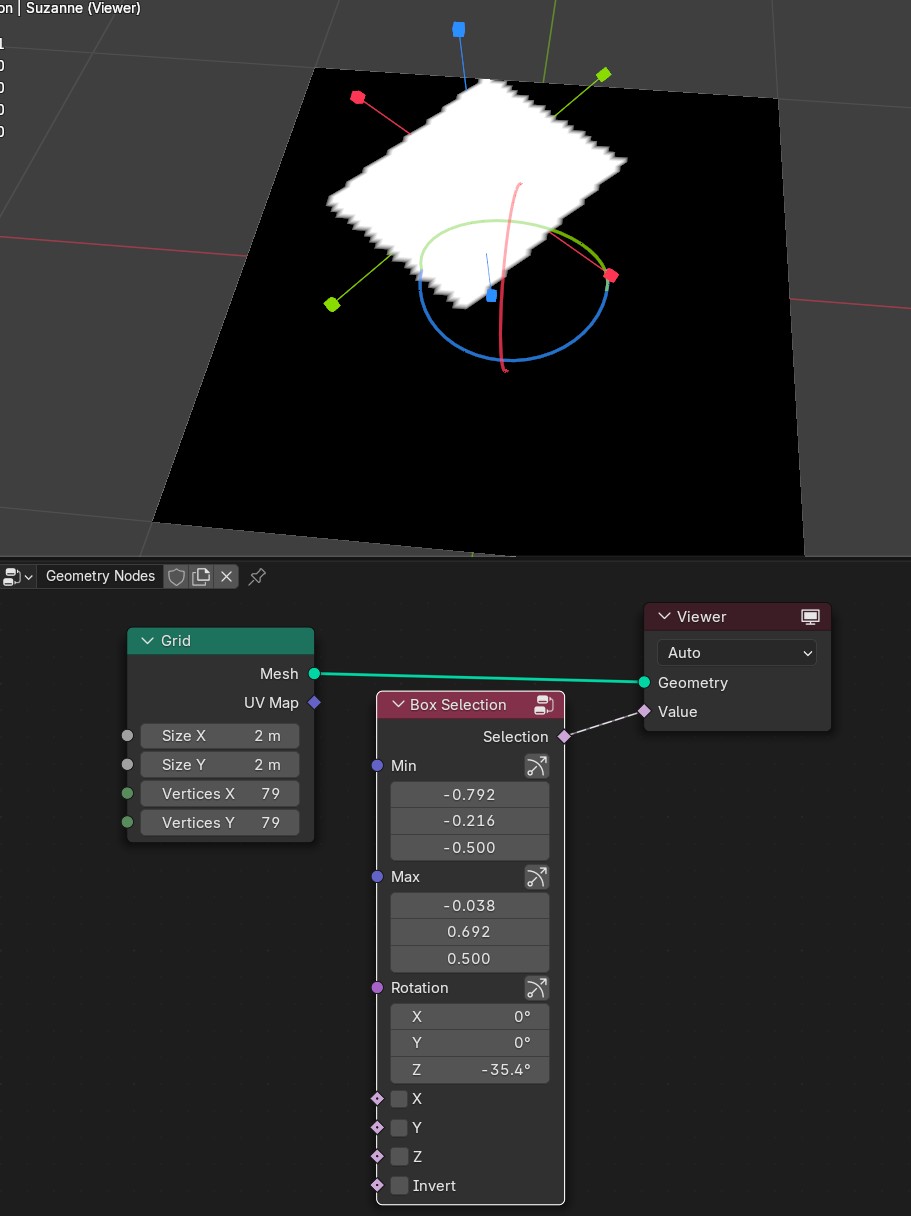
Box Selection
Boolean selection of the box
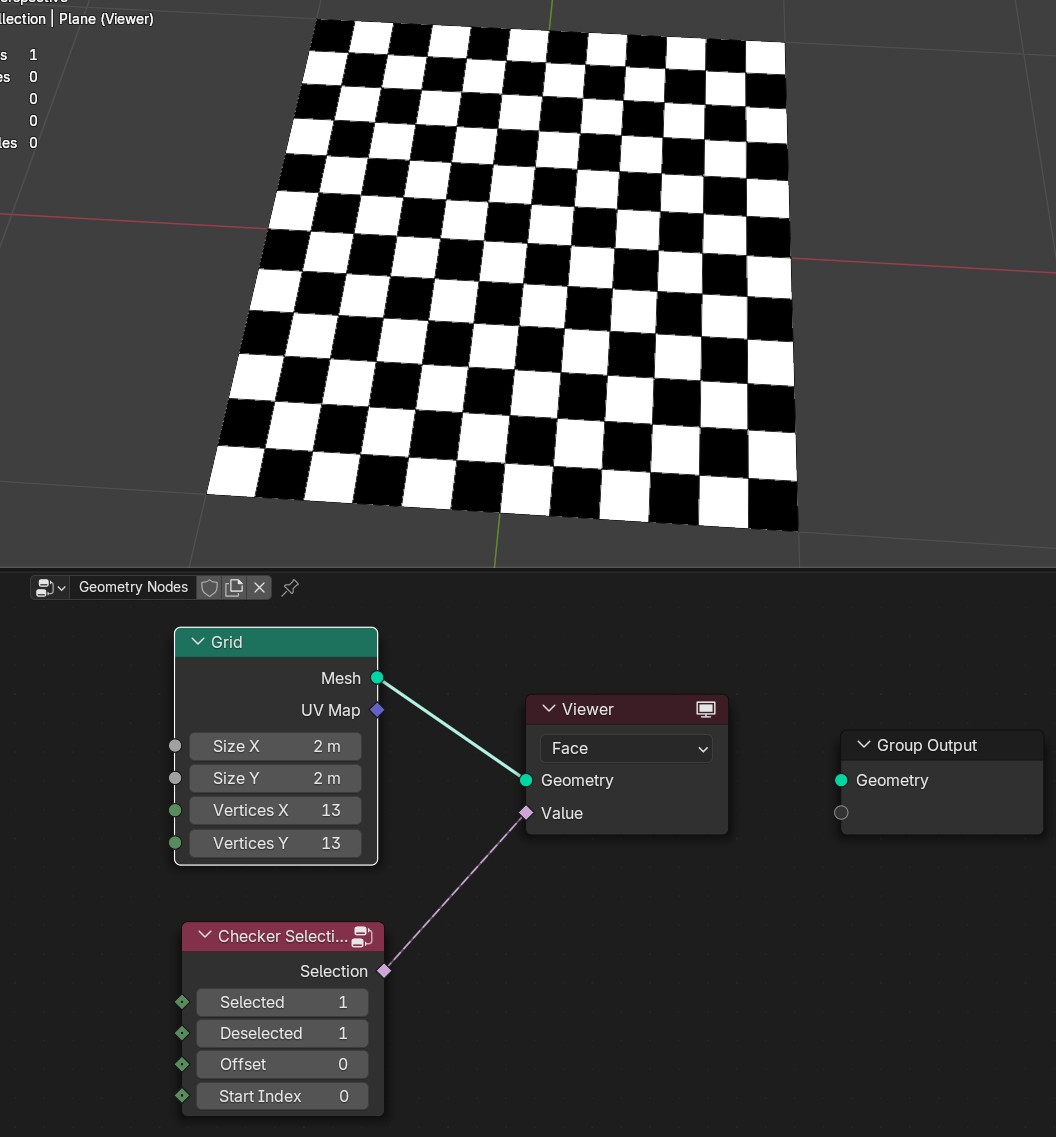
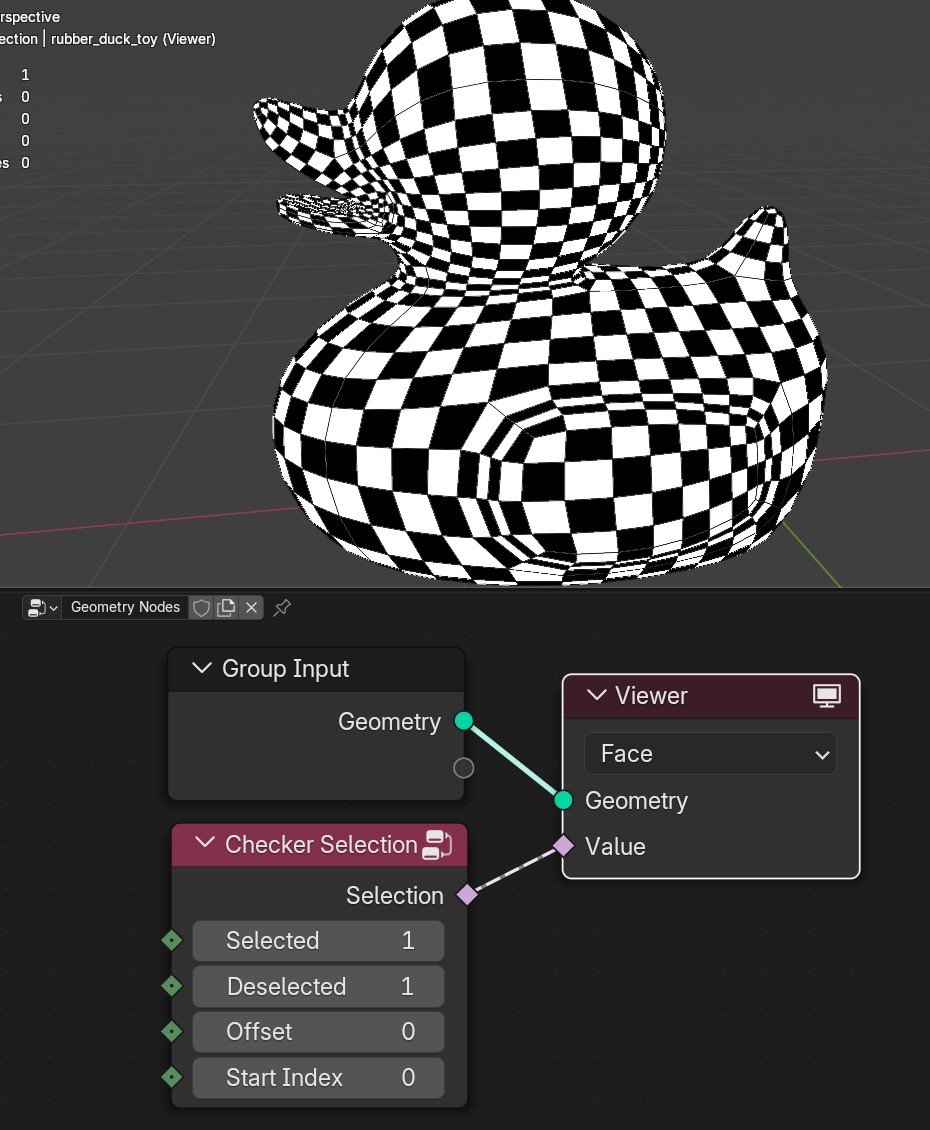
Checker Selection
Creates checker selection
Edge Angle Selection
Selects mesh edges based on edges angle
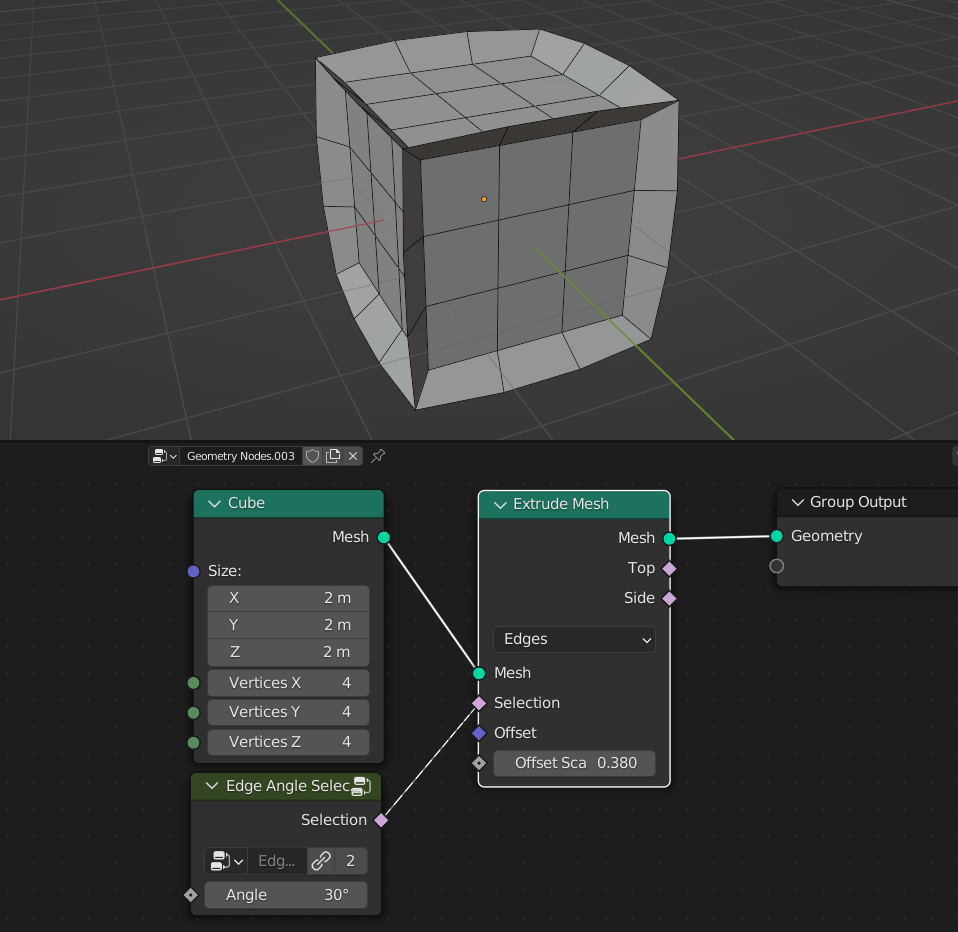
- Angle
Selects mesh edges that are greather than Angle input
Expand / Contract Selection
Expands or contracts selection
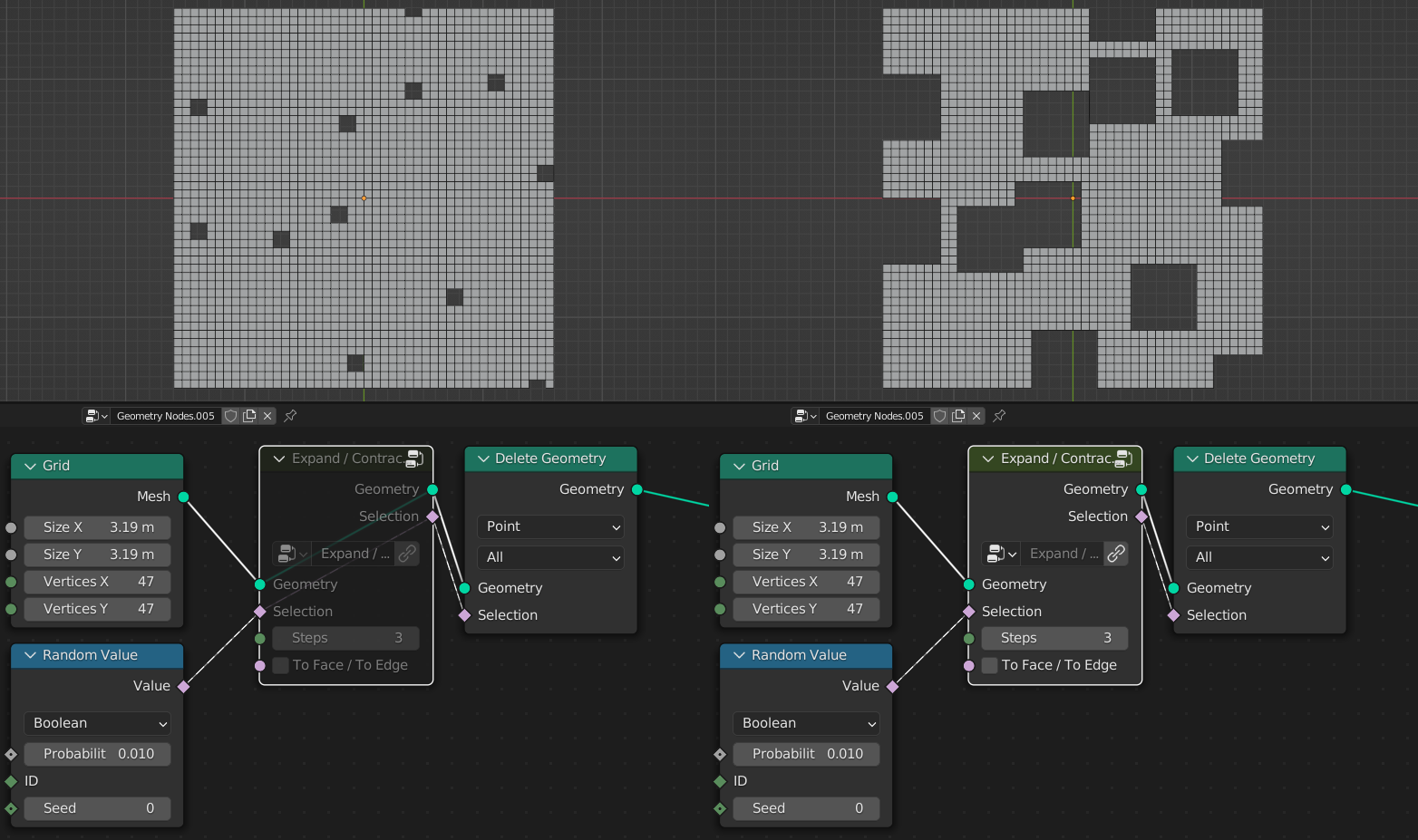
- Selection
Selection input that will be contracted expanded
- Steps
Positive values will expand selection, Negative values will contract selection
To Face / To Edge
On: Expands/contract selection towards mesh neighbor edges
Off: Expands/contract selection towards mesh neighbor faces
Index String Selection
Lets you type multiple numbers to select indices. Numbers/digints can be separated using “SPACE” “COMMA” “DOT” characters

- Invert
Inverts selection
- Index
Can be used for custom indices selection
Is Inside Volume
Checks if point are inside Taget mesh volume
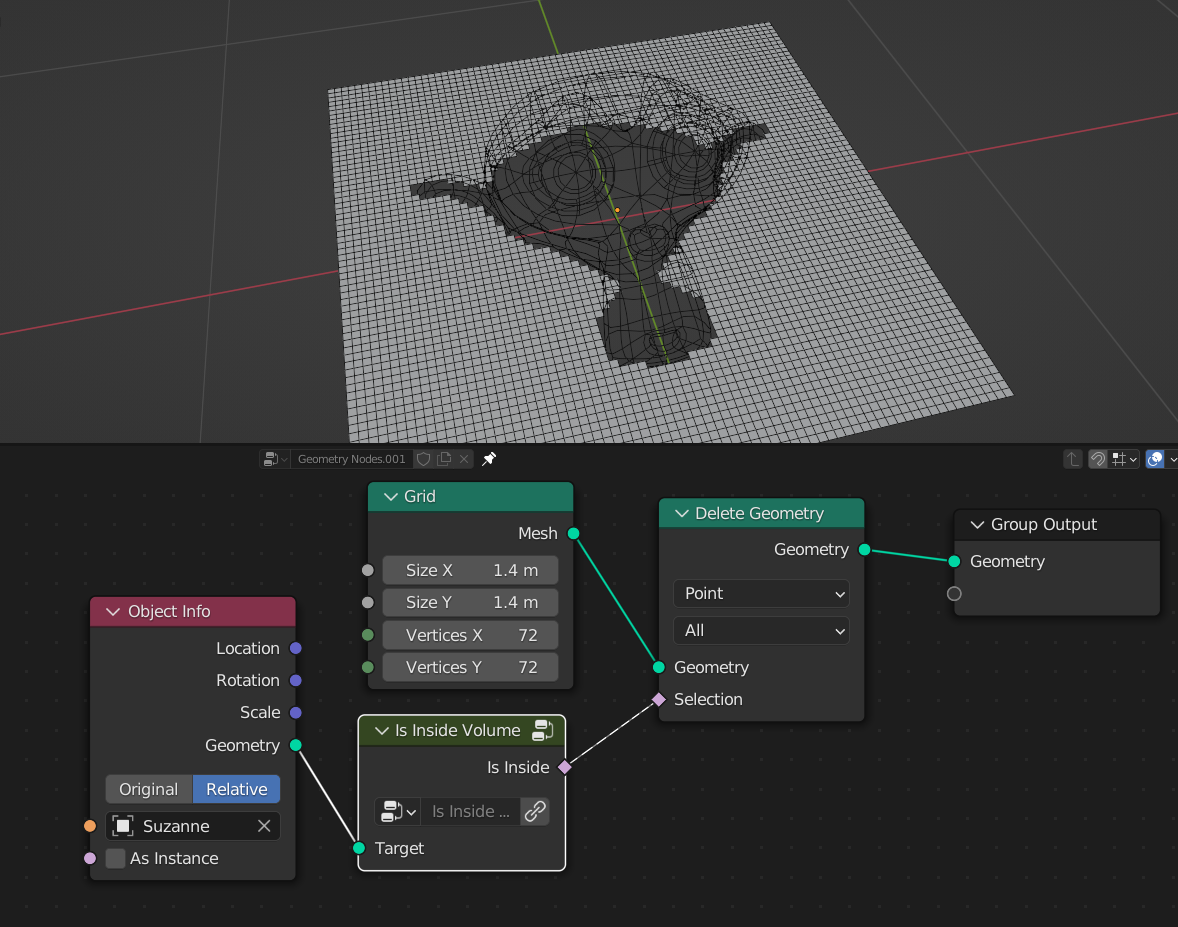
- Target
Mesh that being used to check if points are inside it
Select by Normal
Boolean selection based on geometry normal direction
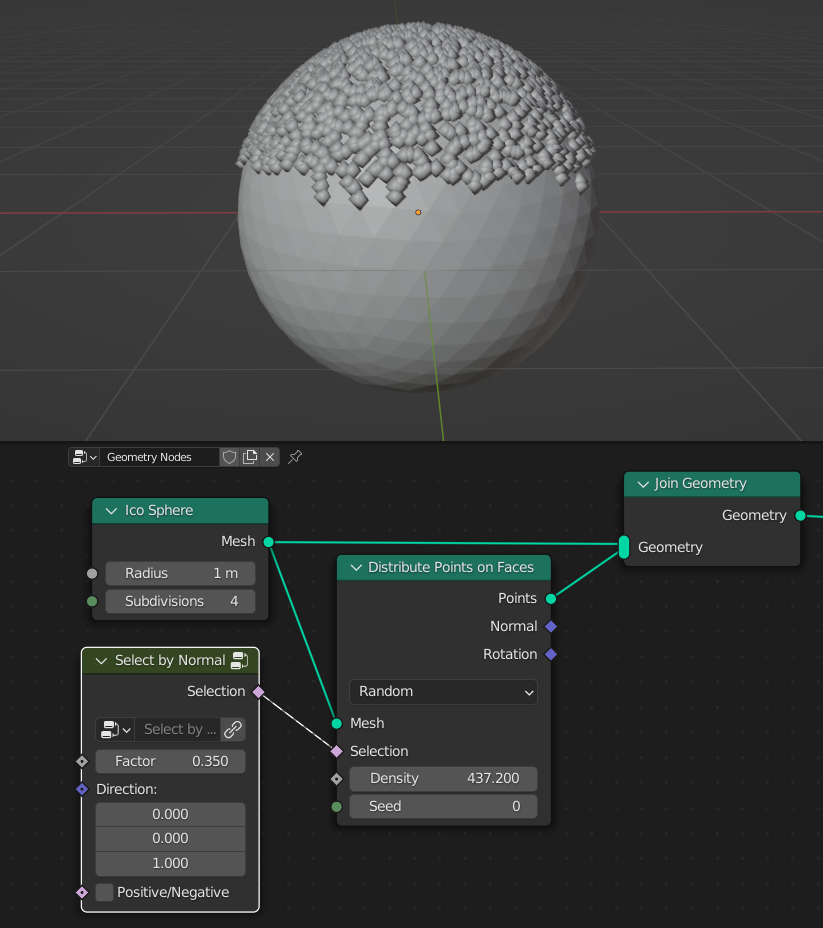
- Factor
Factor of the normal selection
- Direction
Direction of the selection
- Positive/Negative
On: Select both negative and positive directions of the normal